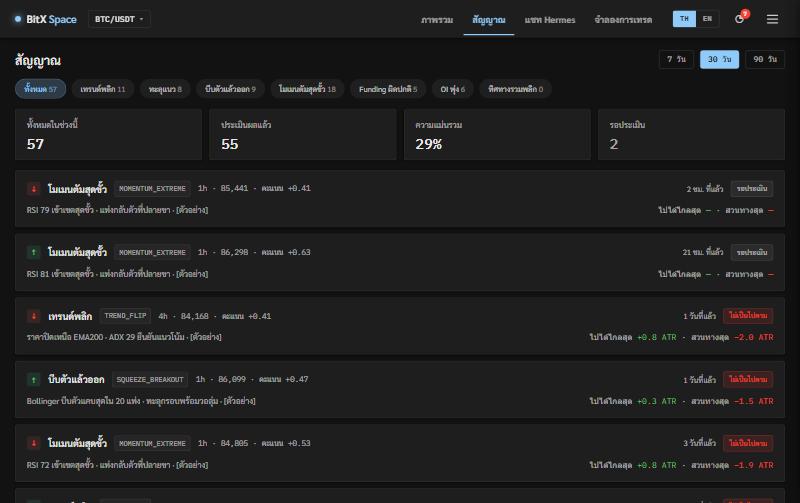
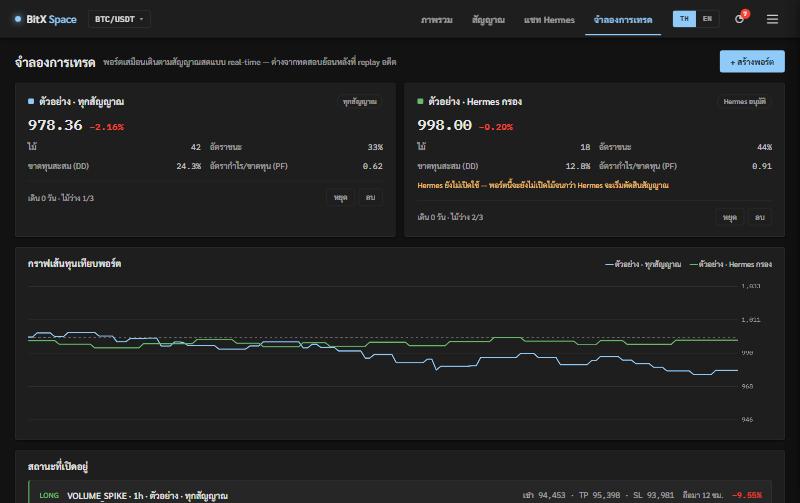
An AI that “does everything for you” sounds great, until the day it does something you didn’t mean. Hermes is built on the opposite idea: it can only do what the system offers, and only what you allow.
What Hermes can do
- Screen signals — decide whether to alert, keep quiet or discard, with reasons
- Answer questions — reading the system’s real data through 8 read tools, such as market state, signals, stats and paper portfolios
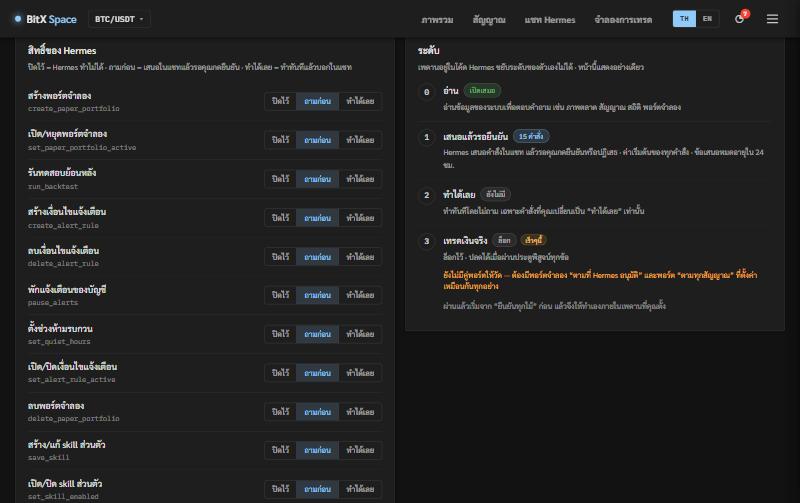
- Act for you — create paper portfolios, run backtests, set alert rules, pause alerts, set quiet hours and more: 15 commands in all
- Write the daily analysis from the market data the system computed
Three permission levels, set per command
- Off — Hermes cannot run this command at all
- Ask first (the default) — Hermes proposes it in the chat and waits for you to confirm or decline; proposals expire after 24 hours
- Go ahead — it runs at once and tells you in the chat
Every command Hermes runs is logged: what, when, and who confirmed it.
Teach Hermes with your own skills
Want Hermes to answer more briefly, use your own terms, or follow your own trading rules? Write it as a skill — a markdown file that tells Hermes how to work. No code changes, no waiting for an update.
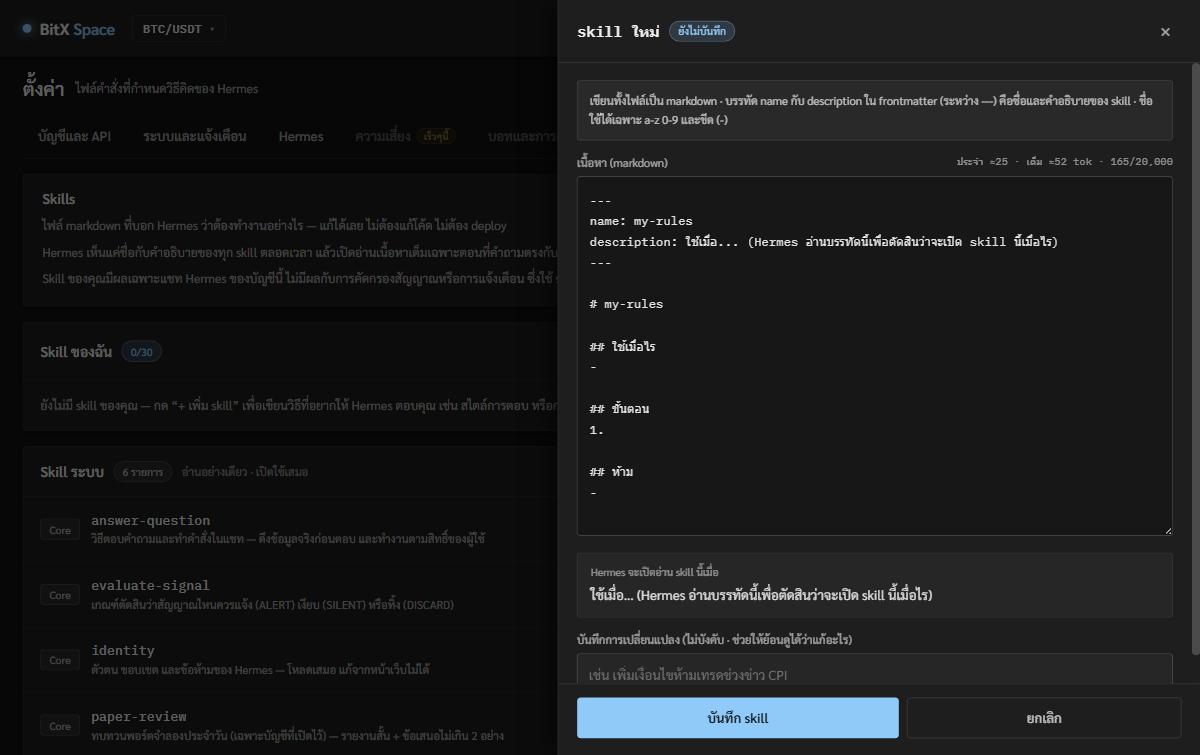
- The description line matters most — Hermes always sees every skill’s name and description, and opens the full text only when a question matches the description, so say clearly “when to use”
- Write it on the web or upload a .md file — up to 30 skills per account, and every edit is kept as a new version so you can see what changed
- It only affects your account’s Hermes chat — never signal screening or alerts, which use the system’s own skills
- System skills are read-only on the web so Hermes’ key rules can’t be changed by accident
What Hermes can never do, whatever you set
- Read or change API keys, passwords or 2FA
- Place real orders — the “real-money trading” level is locked
- Stop or delete the portfolio pair used to test its own skill
What if the AI goes down?
Hermes runs on Claude, with OpenAI as the fallback. If neither is available, the system still alerts signals by its rules, so alerts never stop because of the AI.